Themia vs TranslucentTB: Widgets + Transparent Taskbar
TranslucentTB is one of those small Windows utilities that does exactly one thing extremely well. It is free, open source, available on the Microsoft Store and GitHub, and its entire job is to make the Windows taskbar transparent, blurred, or acrylic instead of the flat bar Windows ships. If you have ever seen a "clean Windows desktop" screenshot on Reddit, there is a good chance TranslucentTB was involved.
Themia shares an aesthetic — blur, transparency, a preference for not-looking-like-stock-Windows — but operates on a different part of the screen. TranslucentTB owns the taskbar. Themia owns the wallpaper.
The short version
- TranslucentTB makes the taskbar invisible or blurred. That is its entire feature set.
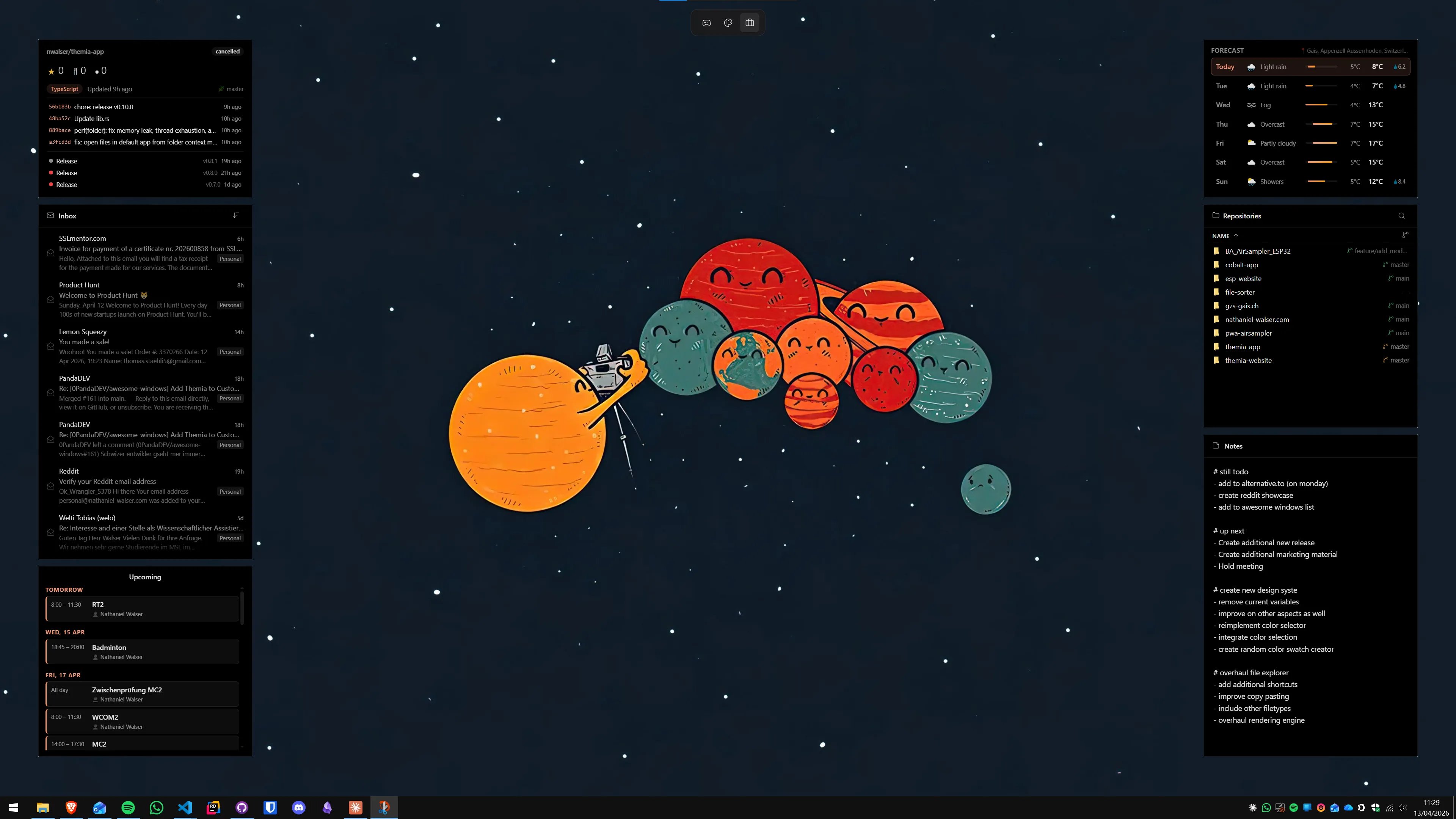
- Themia adds live widgets to the desktop. That is its entire feature set.
- They overlap in taste, not in function. Running both is basically the canonical "clean Windows" setup.
Feature comparison
| Feature | Themia | TranslucentTB |
|---|---|---|
| Price | Free tier · $19 one-time Pro | Free, open source (GPLv3) |
| Scope | Desktop widgets | Taskbar appearance |
| What it changes | Desktop wallpaper area | Taskbar only |
| Widgets | Files, email, calendar, weather, system stats, stocks, music, notes, GitHub, RSS | None |
| Transparency modes | Used on widget chrome | Clear, blur, acrylic, opaque, per-context rules |
| Footprint | Native Tauri app, under 10 MB install | Tens of MB RAM, near 0% CPU idle |
| Run both together? | Yes — they modify non-overlapping parts of Windows. | |
Where TranslucentTB wins
It is free, open source, and tiny
TranslucentTB is GPLv3, has no telemetry, and the releases are code-signed. It runs with a negligible CPU cost and a small memory footprint. For a utility that lives in the system tray forever, that is about as good as it gets.
It does the taskbar properly
TranslucentTB has real transparency modes — clear, blur, acrylic — and context-aware rules that change the taskbar's look when the Start menu is open, when a window is maximized, or based on time of day. It is the taskbar tool, full stop.
It just works
You install it, pick a mode, and forget about it. It is the kind of software that quietly makes Windows look better and then gets out of the way.
Where Themia wins
It puts something on the desktop
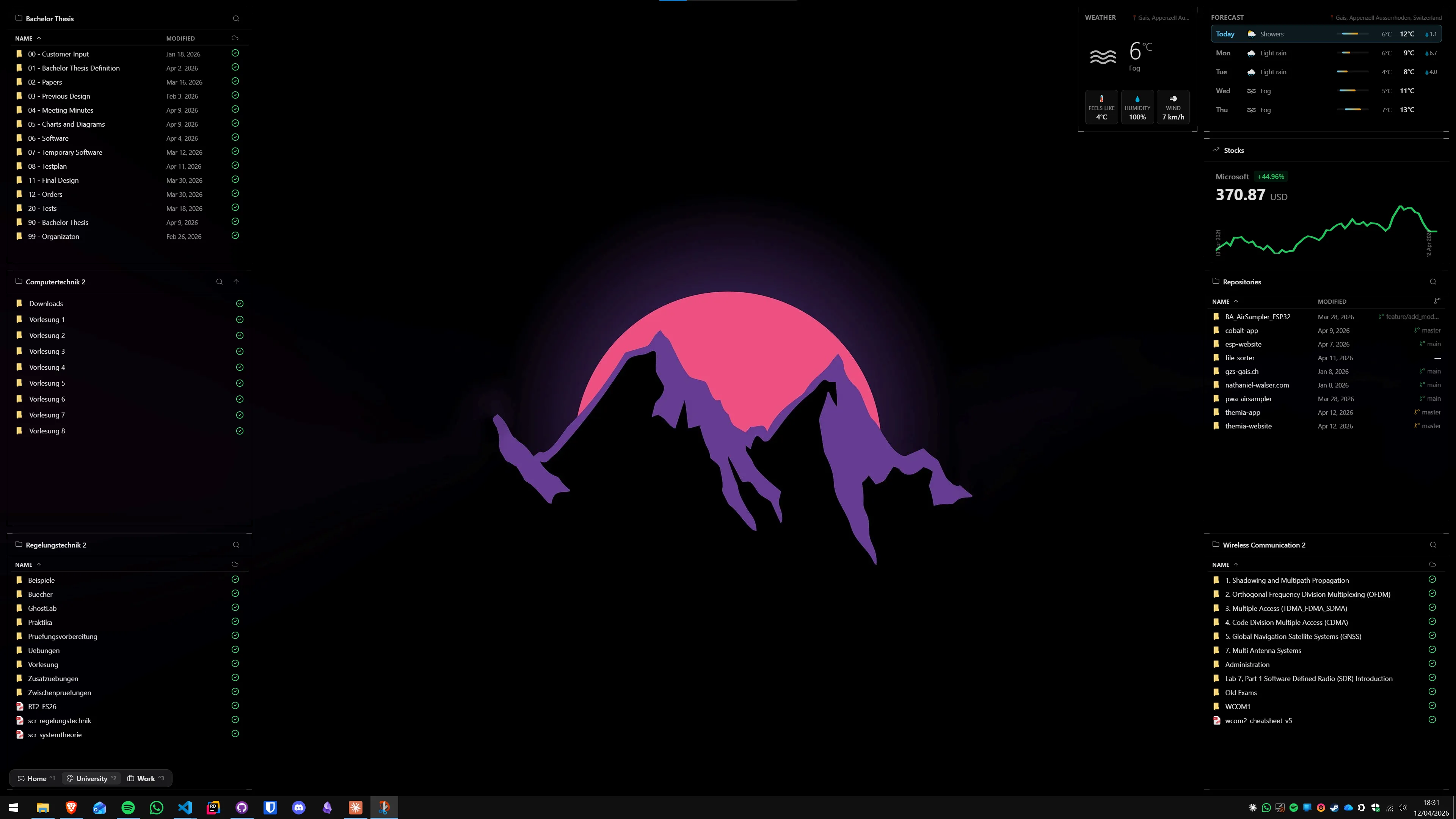
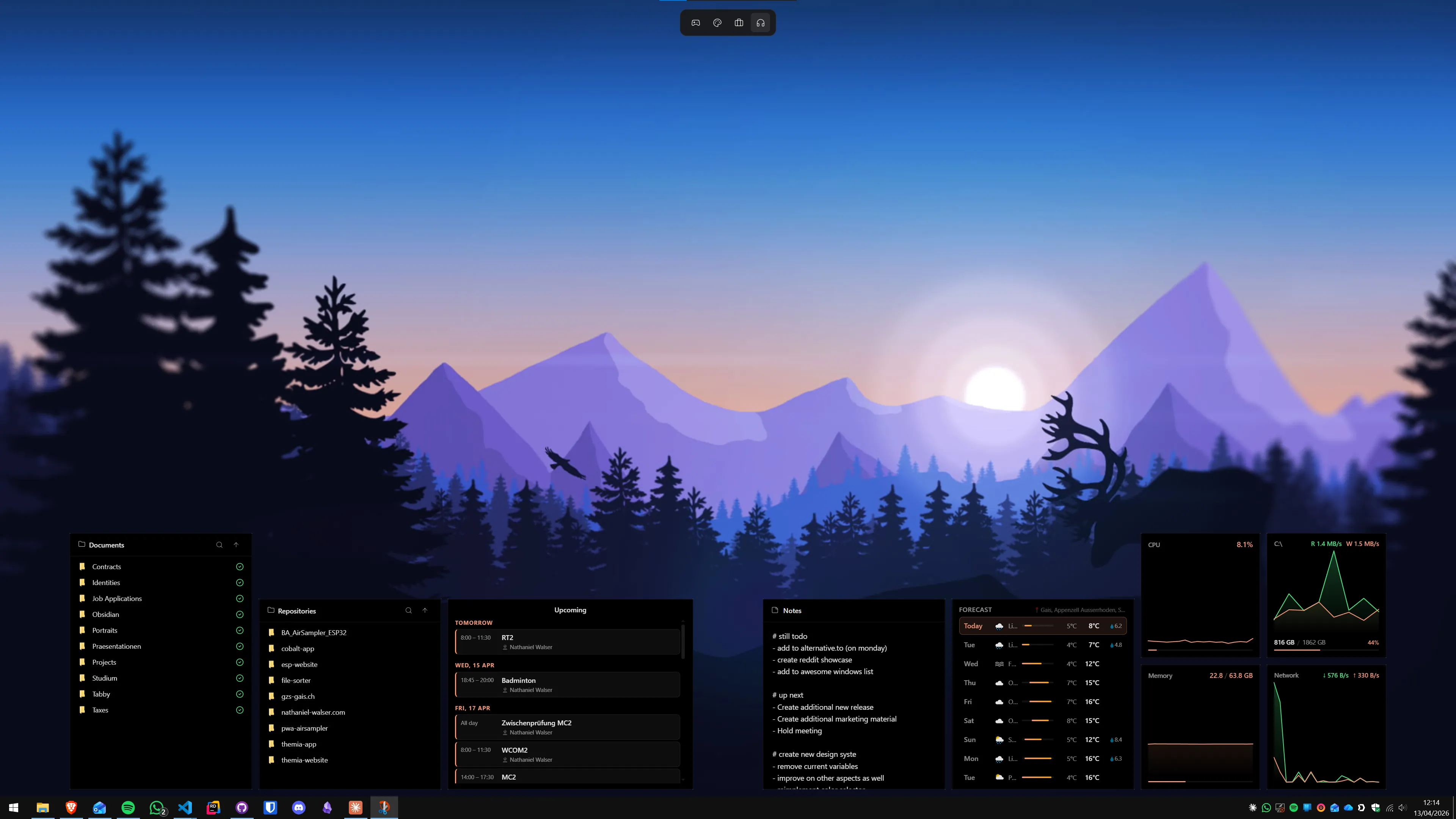
TranslucentTB makes the chrome disappear, but it does not add anything new. Themia fills the desktop with widgets — calendar, mail, weather, system stats, current track, stocks, files. It is the part of the screen that becomes visible once the taskbar is invisible.
Live data
Themia widgets connect to Microsoft 365, GitHub, music players, weather APIs, and stock feeds. TranslucentTB has no data at all, because it is not that kind of tool.
Per-screen layouts
You can define different layouts — a work layout with calendar and email, a personal layout with stocks and music — and switch between them. TranslucentTB has a single configuration.
Which should you pick?
This is probably the clearest "both, obviously" pairing in Windows customization. The two tools solve different problems and have the same visual instincts. If you care enough about how Windows looks to install TranslucentTB, you are probably the kind of person who will like what Themia does to the empty desktop underneath it.
Pick TranslucentTB if: your taskbar annoys you and you want it to disappear into the wallpaper. Themia does not touch the taskbar, so it will not help you there.
Pick Themia if: your taskbar is fine but your desktop is dead space. Widgets are the fix.
Pick both if: you want the "nice Windows screenshot" look — a transparent taskbar and a desktop that actually shows you something. TranslucentTB stays free. Themia has a free tier and a $19 one-time Pro. Neither steps on the other.
One hides a bar. The other fills a rectangle. Together they are what "clean Windows" is supposed to mean.