Best Stardock Fences Alternatives for Windows 11
Stardock Fences has been the go-to desktop organizer for Windows power users since it launched in 2009. At its core it does one thing well: it draws labeled rectangular areas on your desktop where icons stay sorted. For a lot of people that is exactly what they need. For others — especially in 2026, when the desktop has evolved toward live widgets rather than shortcut containers — Fences starts to feel like an answer to a question that has changed.
This guide walks through the real alternatives: what each one does, what it costs, where it falls short, and who it is for. If you are currently paying for Fences and wondering whether to renew, or considering Fences for the first time and wondering whether there is a cheaper or more capable path, this is the comparison you need.
What Stardock Fences 6 actually does (and costs)
Before comparing alternatives it is worth being precise about what Fences delivers, because a lot of "vs" posts online describe an older version.
Fences 6 (the current version, including builds through 6.46 as of mid-2026) is a desktop icon organizer with these core features:
- Fence areas: Named rectangular containers that hold icons, shortcuts, and files on the desktop. You drag items in; they stay grouped.
- Auto-organize rules: Rules that automatically sort newly dropped desktop files into the right fence — by file type, name pattern, or date.
- Roll-up / shade: Double-click a fence header and it collapses to just its title bar, clearing screen real estate.
- Background blur: Applies a frosted-glass blur behind each fence panel.
- Desktop pages: Swipe between multiple virtual desktop surfaces, each with its own set of fences.
- Folder Portals: Mirror the live contents of a real folder onto the desktop, like a transparent window into a directory.
- Peek (Win+Space): Bring all fences on top of open windows instantly.
Price in 2026: $29.99 for a perpetual single-user license, or $9.99/year as a subscription. Perpetual covers the current major version; future major-version upgrades are separate. It is available at stardock.com and on Steam.
Fences does not provide live data. It does not show weather, calendar events, unread emails, stock prices, or system stats. It organizes icons. That is an important distinction because several of the alternatives below take a completely different approach to the desktop organization problem.
Alternative 1: Themia — live widgets instead of icon containers
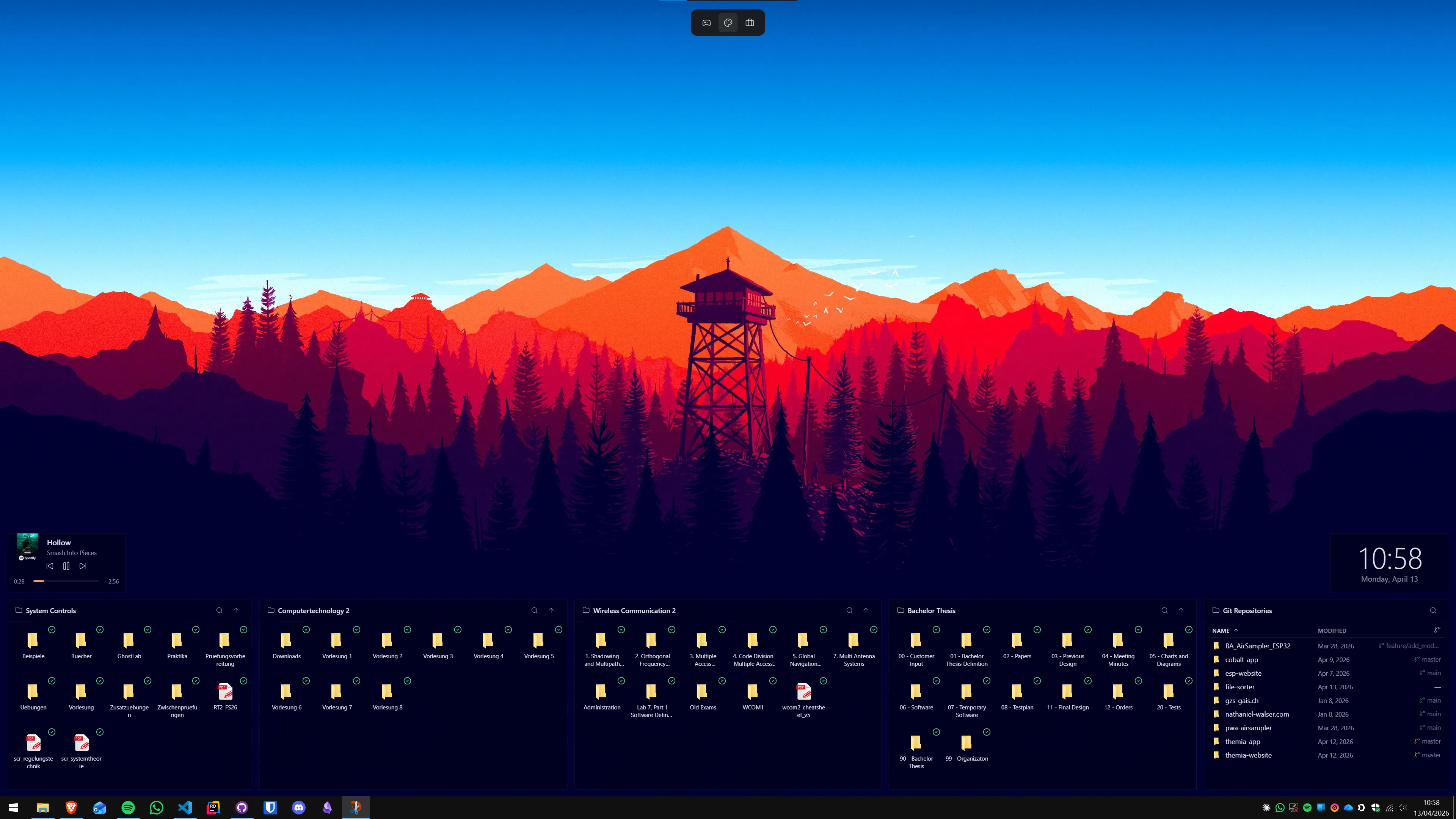
Themia is a native Windows desktop widget app built on Tauri. The installer is under 10 MB; it runs on Windows 10 and 11. Unlike Fences, it does not organize icons at all. Instead, it replaces the icon paradigm: you hide your desktop icons, add Themia widgets directly to the wallpaper, and access your files and information through those widgets.
The relevant widget for the Fences use case is the files widget: a live browser of a folder's contents — with thumbnails, click-to-open, and resize — sitting permanently on the desktop. Point it at your Downloads folder, your current project folder, or any directory you open frequently, and you get instant access without a shortcut pile.
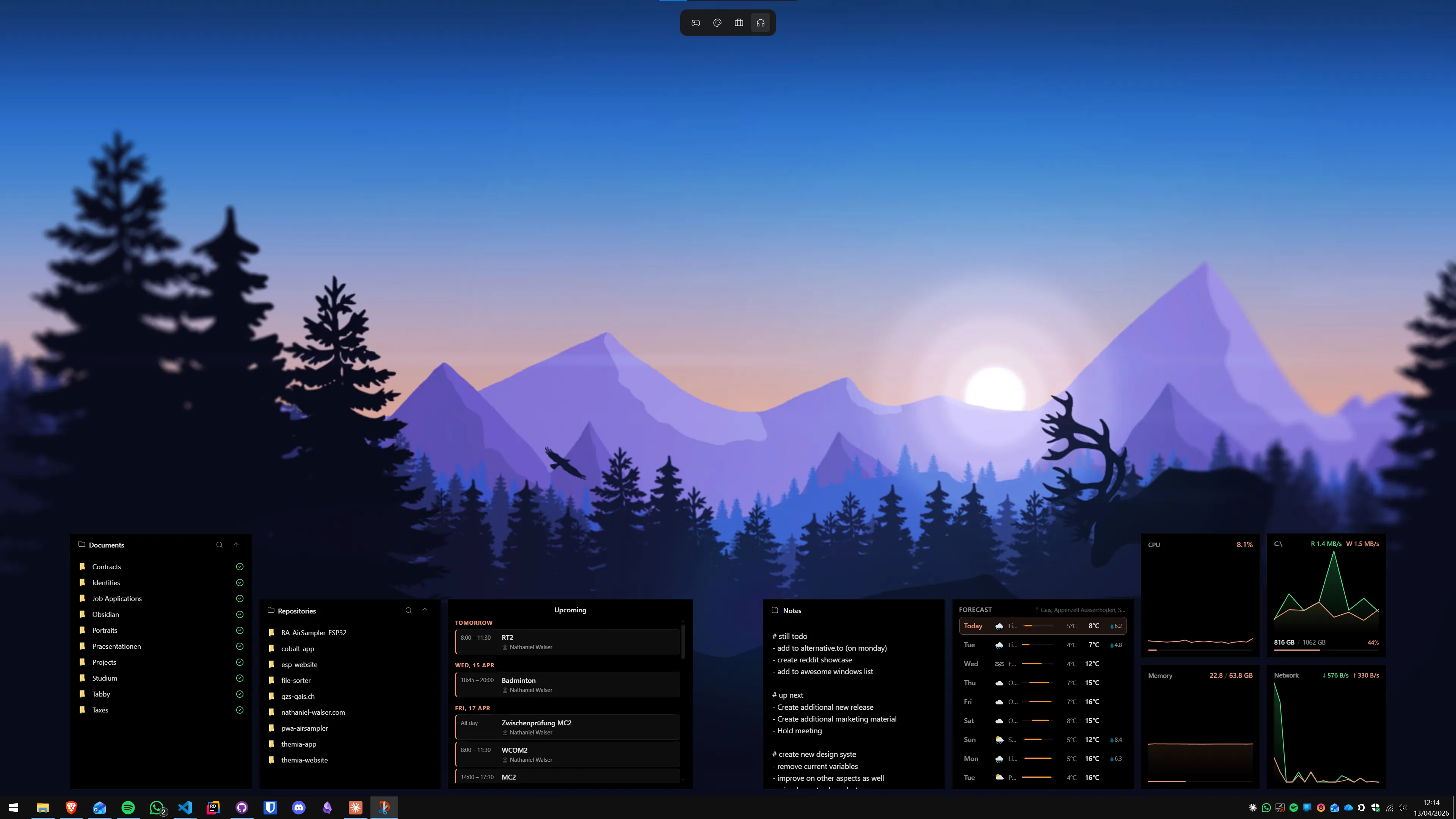
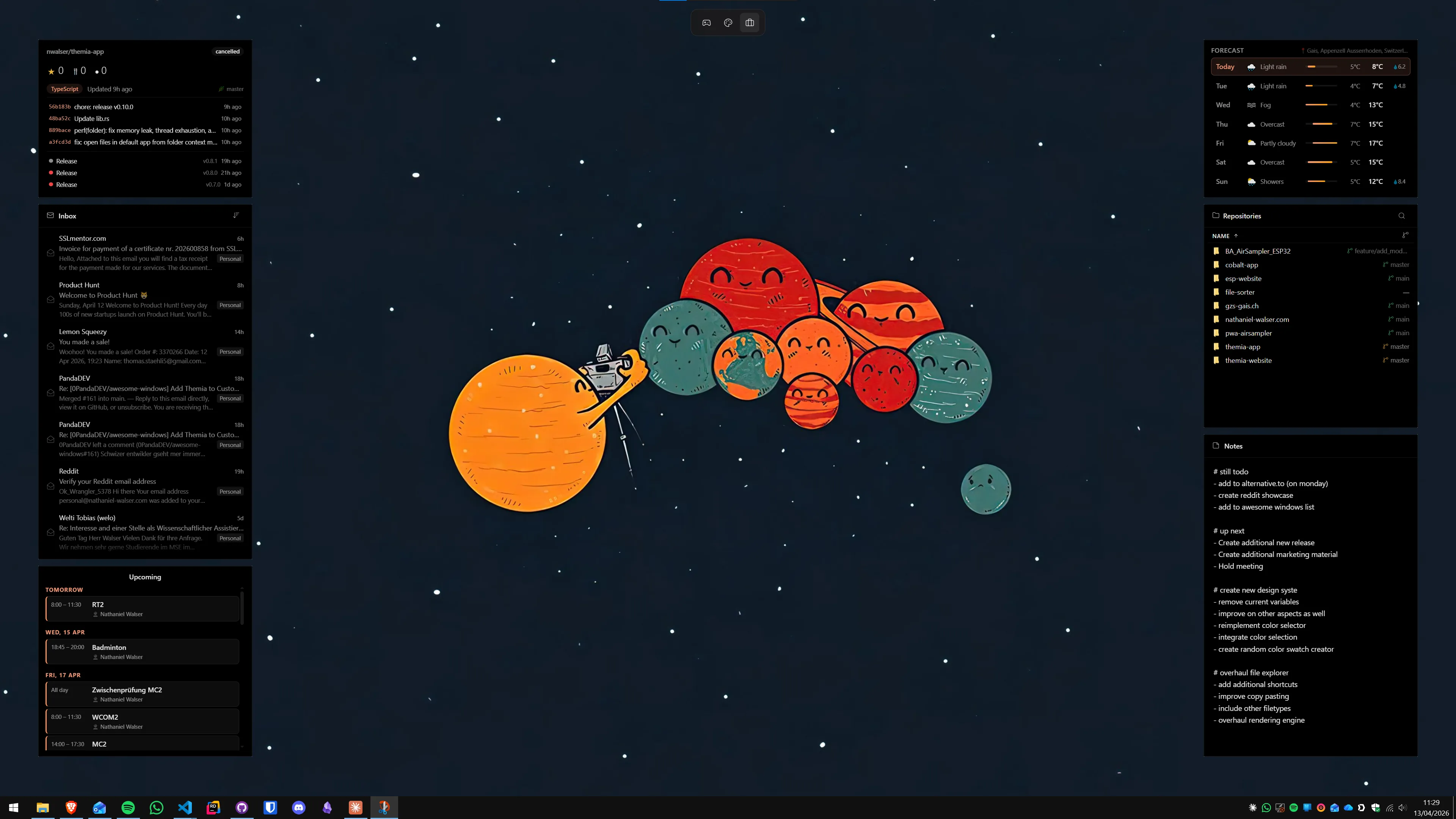
Beyond the files widget, Themia ships with: email (IMAP), calendar (Google Calendar and Outlook sync), weather, system stats, stocks, music (system media controls), battery, notes, to-do, contacts, RSS, and GitHub. It supports per-screen layouts on multi-monitor setups.
Pricing: Free tier covers several widgets. The Pro unlock is a one-time $19 payment — cheaper than Fences' $29.99 perpetual license, and with no subscription path to fall into.
Where Themia wins over Fences: live data (Fences has none), per-monitor widget layouts, smaller install footprint, lower price, no account required.
Where Fences wins: drag-and-drop icon organization with auto-sort rules, roll-up behavior, desktop pages, Folder Portals that mirror actual folder structures. If your workflow depends on dumping files onto the desktop and having them auto-sorted into named groups, Fences still handles this better than any alternative.
The honest recommendation: if you are using Fences primarily for the files-and-shortcuts access (not the auto-sort rules), Themia's files widget replaces that workflow at a lower price and adds live data on top. If you genuinely rely on auto-organize rules and desktop pages, Fences earns its price.
Read more in our full Themia vs Stardock Fences comparison, or jump straight to Themia's pricing page.
Alternative 2: Nimi Places — free, container-based, no live data
Nimi Places is a free desktop organizer with a different aesthetic than Fences. Instead of plain rectangular areas, it uses themed "places" — containers with background images, custom borders, and label styles. It supports transparent windows, folder linking, and adjustable opacity.
Nimi Places is the closest true free alternative to Fences. It does not have auto-organize rules, does not support desktop pages, and its Folder Portal equivalent (folder linking) is more basic. But for simple icon grouping with more visual customization than Fences, it is a solid choice — and it costs nothing.
Best for: users who want icon containers for free and care about aesthetics but do not need auto-sort rules. See our Themia vs Nimi Places comparison for a more detailed breakdown.
Alternative 3: Rainmeter — maximum flexibility, real effort required
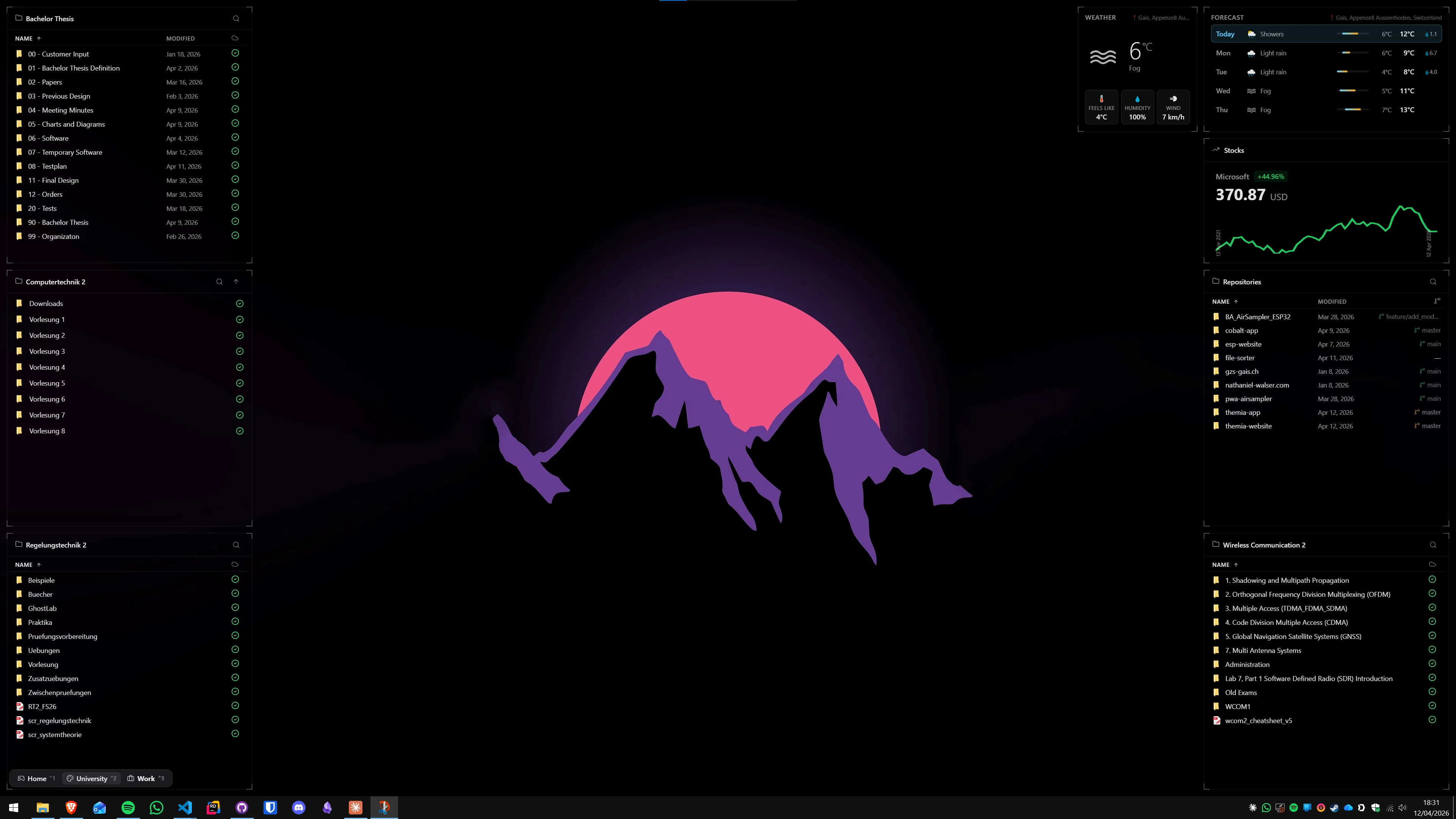
Rainmeter is a free, open-source desktop customization engine. It is not a desktop organizer in the Fences sense — it does not provide containers for icons. But with folder-listing skins (the most popular is the Illustro suite's Disk module, or dedicated folder skins like Droptop Four), it can display folder contents on the desktop.
Rainmeter is also the most flexible live-data platform on Windows: weather, system stats, stocks, RSS, music — all available via community skins. The catch is setup time. Getting Rainmeter to a polished, stable layout takes hours. Ongoing maintenance is required when APIs or skin dependencies change. It is a hobbyist platform for people who enjoy the process.
Best for: users who want total visual control, enjoy tinkering, and treat the desktop as a long-term personal project. See our Themia vs Rainmeter comparison for the full breakdown.
Alternative 4: WindowManager and other fencing tools
A few niche tools occupy the same icon-organization space as Fences:
- Desktop Curtain (Mac only): Not relevant to Windows, mentioned because it is often confused in cross-platform searches.
- Fence-like behavior via Windows Groups: Windows 11 introduced icon grouping in the right-click context menu, but the groups are cosmetic — items still scatter when you resize the window. Not the same as Fences.
- WinOrganizer and similar small utilities: A handful of freeware tools replicate basic Fences-style grouping. Most have not been updated since 2022 or earlier and should be treated with caution on Windows 11.
The "just hide all icons" approach
Before paying for anything, consider whether the real problem is icon overflow or lack of useful information on the desktop. Many users who think they need Fences actually just need:
- Right-click the desktop → View → Show desktop icons to toggle all icons off.
- Pin genuinely frequently used apps to the taskbar instead.
- Add a files widget (Themia free tier) for the folders you actually open daily.
This approach costs nothing, takes five minutes, and solves the "desktop chaos" problem for most users. What it does not do is handle arbitrary files that land on the desktop by default — for that, Fences' auto-organize rules remain the most frictionless option.
Side-by-side comparison
Here is a quick reference for the main alternatives:
- Stardock Fences 6: $29.99 one-time or $9.99/year — icon containers, auto-sort, roll-up, desktop pages, Folder Portals. No live data.
- Themia: Free tier + $19 one-time Pro — live widgets (files, calendar, email, weather, stats, stocks, music, to-do, notes, RSS, GitHub, contacts, battery). Per-screen layouts. No icon container model.
- Nimi Places: Free — themed icon containers, folder linking. No auto-sort, no live data.
- Rainmeter: Free — unlimited flexibility, folder skins, live data. Requires significant configuration effort.
- Hide icons + taskbar pins: Free — minimal approach, works for many workflows without any tool installed.
Which should you actually use?
The honest answer depends on why you are using (or considering) Fences:
- You rely on auto-sort rules to manage downloads and project files: Keep Fences. Nothing else does this as smoothly.
- You mainly use Fences to keep a few project folders accessible: Themia's files widget handles this at $19 one-time and adds live data on top. Try the free tier first.
- You want icon grouping for free: Nimi Places is the best free Fences substitute for basic icon containers.
- You want a fully customized desktop with live data, and you enjoy tinkering: Rainmeter is free and has no upper limit on what you can build.
- You just want the desktop to stop looking chaotic: Hide all icons and pin your three most-used apps to the taskbar. Done in two minutes, costs nothing.
If you are curious about building a full desktop dashboard with live information rather than just organizing shortcuts, our how to build a Windows productivity dashboard guide walks through the full setup from scratch.
FAQ
Is Themia a good Stardock Fences alternative?
Yes, with an important caveat: Themia and Fences solve adjacent problems. Fences organizes icons into labeled areas on the desktop. Themia replaces that icon workflow with live widgets — folder browsers, calendar, email, weather, system stats, stocks, and more — that sit directly on the wallpaper. If your desktop clutter is mostly shortcuts you glance at and open occasionally, Themia is a strong free alternative. If you need to drag arbitrary files and folders into named groups and keep them there long-term, Fences still has the edge. Many users run both.
What is the current price of Stardock Fences in 2026?
Fences 6 is available as a one-time perpetual license for $29.99 per seat, or as an annual subscription at $9.99 per year. A 5-user family or office license is $49.99 perpetual or $19.99 per year. Note that perpetual licenses cover the current major version but do not automatically include future major-version upgrades.
Does Stardock Fences support Windows 11?
Yes. Fences 6 officially supports both Windows 10 and Windows 11.
What does Stardock Fences actually do?
Fences creates labeled rectangular areas ("fences") on the desktop where you can group icons, shortcuts, and files. Key features include: auto-organize rules that sort new desktop items into fences automatically; roll-up so a fence collapses to just its title bar on double-click; background blur behind each fence; multiple desktop pages you can swipe between; and Folder Portals that mirror a real folder's contents onto the desktop.
Are there free alternatives to Stardock Fences?
Yes. Nimi Places is a fully free desktop organizer with themed containers. Themia offers a free tier with its files widget, which lets you browse a folder's contents directly on the desktop. Rainmeter with folder-listing skins also covers the basics at no cost. The catch with purely free tools is that they typically lack Fences' auto-organize rules and polished snap-to-grid behavior.
Can I migrate from Fences to Themia?
There is no automated migration — Fences and Themia use fundamentally different models. The practical path is to uninstall Fences, install Themia, and replace each fence with a Themia files widget pointed at the same folder. For one or two project folders this takes under five minutes. If you had dozens of Fences grouping arbitrary shortcuts, it takes longer, and you may find that some of those shortcuts are better served by Themia's other widget types (calendar for meetings, to-do for tasks, etc.).
Does Themia work without a Stardock account?
Themia has no account requirement at all — not even for sign-in. Download, install, and use it. The optional $19 one-time Pro unlock is an in-app purchase handled locally; it does not require an online account to activate or to keep working.