Themia vs Lively Wallpaper: Widgets or Backgrounds?
Lively Wallpaper is one of the most pleasant surprises on Windows: a free, open-source animated wallpaper app that lives on GitHub and the Microsoft Store. It supports video wallpapers, web pages, and shaders, and it has built a real community over the last few years.
Themia gets bundled into the same conversation, but the two apps are doing very different things. Lively replaces your wallpaper with something that moves. Themia layers live widgets on top of whatever wallpaper you have. This post lays out the differences honestly so you can pick the right tool — or, as is often the case, both.
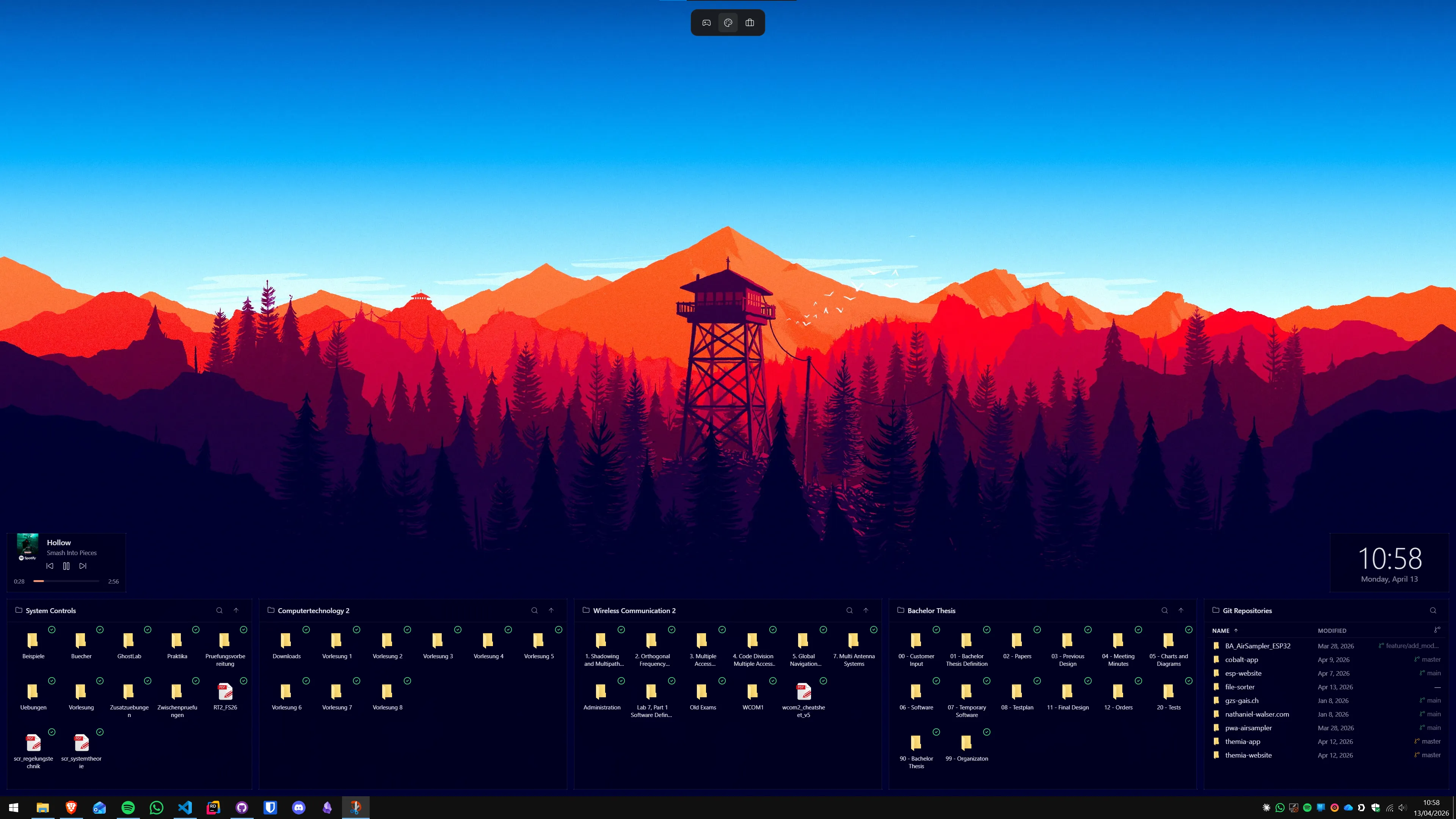
The short version
- Lively is free and open source. It animates your wallpaper — video, web, shader — and it does it well.
- Themia is a native widget app. It puts live data on your desktop: inbox, calendar, weather, stocks, files, music, system stats.
- They are not competitors. Lively owns the background; Themia owns what sits in front of it.
Feature comparison
| Feature | Themia | Lively Wallpaper |
|---|---|---|
| Price | Free tier · $19 one-time Pro | Free, open source (GPL-3.0) |
| Primary purpose | Live desktop widgets | Animated wallpapers (video, web, shader) |
| Live data widgets | Email, calendar, weather, stocks, GitHub, RSS, music, system | Only through HTML wallpapers — clocks, visualizers |
| Content library | Not a library; widgets are first-party | Growing community gallery; smaller than Wallpaper Engine |
| Resource usage | Native Tauri app, under 10 MB install, low RAM | Lightweight for the category, but still GPU-bound when animated |
| Per-screen contexts | Switchable layouts (work, personal, focus) | Per-monitor wallpapers, no layout concept |
| Source | Closed source, commercial (Switzerland) | Open source on GitHub |
Where Lively wins
It is free and open source
This matters. Lively is released under GPL-3.0, the source is on GitHub, and anyone can audit, fork, or contribute. If the project ever went dark, the code and every wallpaper you have would keep working. Themia is commercial software, and while there is a free tier, it is not the same guarantee.
Animated wallpapers, done well
Lively does the thing it was built to do — video loops, web wallpapers, GIFs, shaders — and does it cleanly. It handles pausing on fullscreen apps, multi-monitor, and a decent amount of performance tuning. For a free tool, the polish is genuinely impressive.
On the Microsoft Store
It installs in two clicks from the Microsoft Store, which lowers the barrier compared to hunting down an installer. For a lot of users, that alone is a reason to pick it.
Where Themia wins
Widgets are the product, not a side effect
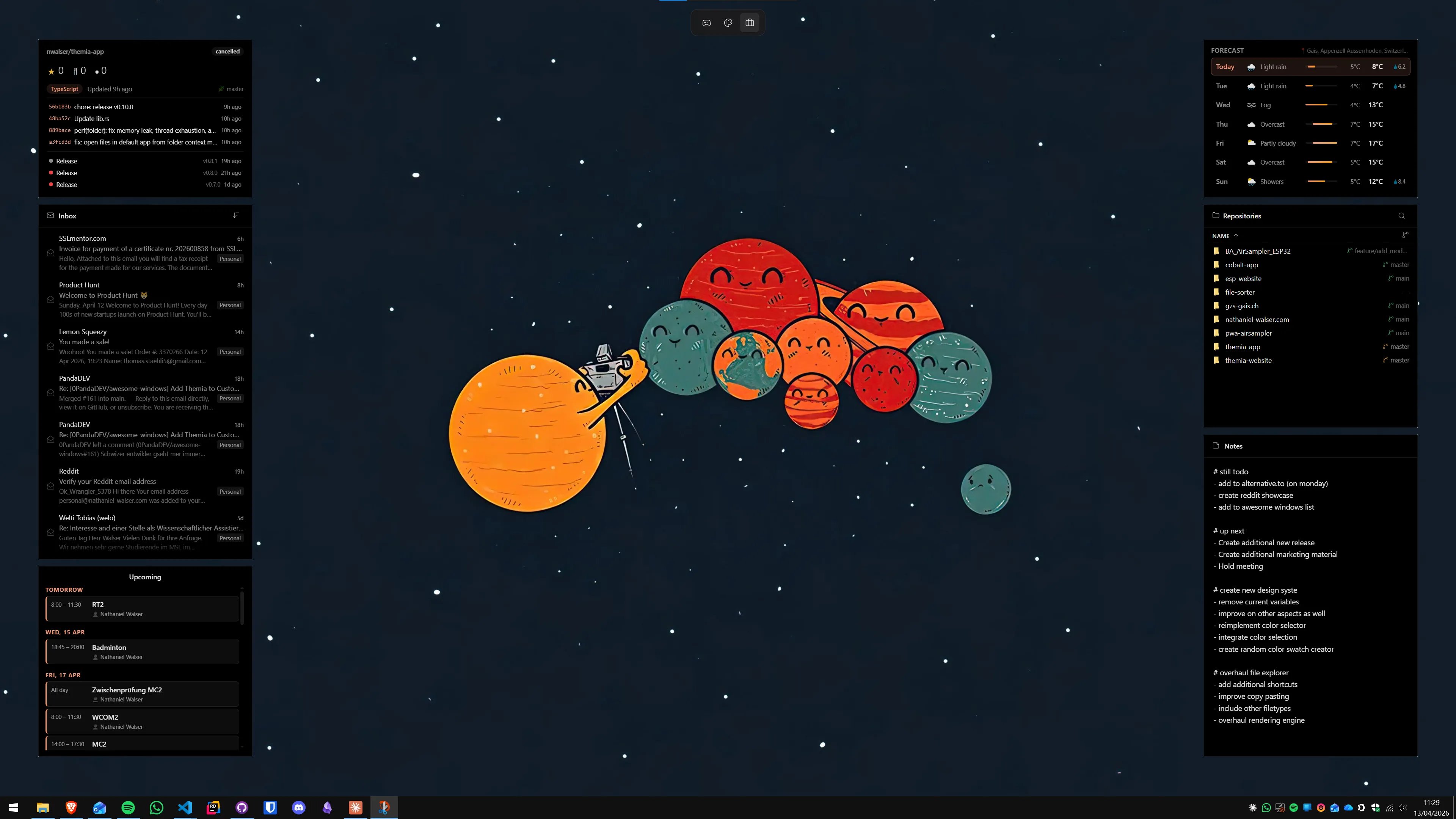
You can technically put a clock or an audio visualizer on your desktop with Lively by loading an HTML wallpaper. But you cannot put your inbox there. Or your next meeting. Or your build status. Themia is a purpose-built widget platform, with OAuth flows for Microsoft 365, Gmail, GitHub, and music players, all wired up and ready to go.
It does not fight your wallpaper
Because Themia does not touch the wallpaper at all, you keep whatever you already have — a static photo, a Windows Spotlight image, or, yes, a Lively animated wallpaper. Widgets float on top. This is a genuinely different architecture, and it is the reason the two apps coexist so easily.
Lower ongoing cost
Animated wallpapers, even efficient ones, keep the GPU working. Themia widgets are static or lightly animated, rendered natively, and idle most of the time. On a laptop, that difference shows up in thermals and battery. Run Lively if you love the look; just know what you are paying for in watts.
Per-screen layouts and contexts
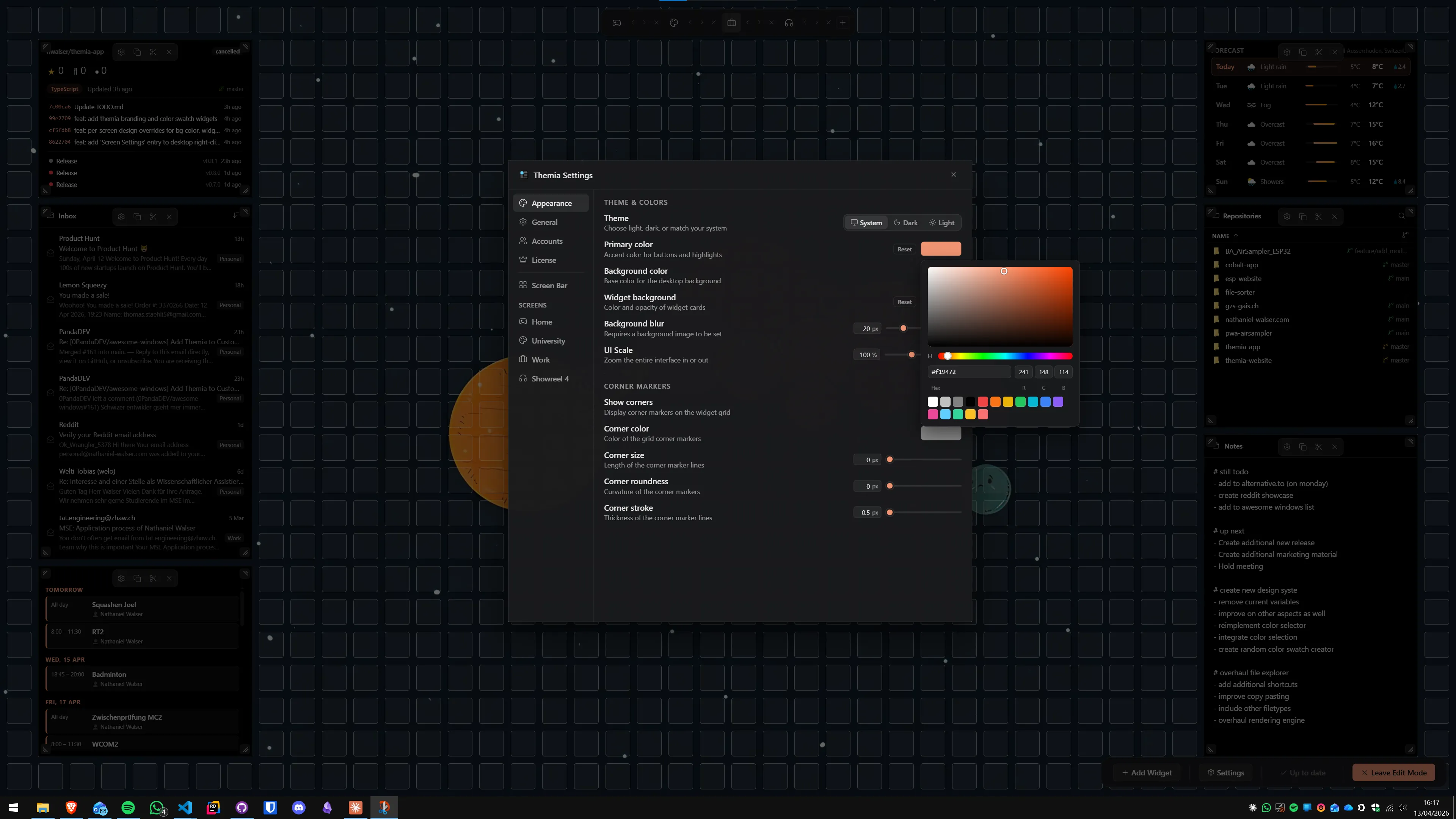
Themia lets you define different widget layouts per monitor and switch between them for different situations — work, personal, focus. Lively can show a different wallpaper per monitor, but it has no layout concept, because it does not render widgets in the first place.
Which should you pick?
Pick Lively if: you want a beautiful, animated desktop for free, you like that the project is open source, and what you are after is a better-looking wallpaper. It is a genuinely good piece of software and the price is hard to argue with.
Pick Themia if: you want your desktop to show you things — inbox, calendar, weather, build status, files — without opening another app. That is a different problem, and it is the one Themia was built to solve.
Pick both if: this is probably the sweet spot. Let Lively handle the wallpaper and set the mood. Let Themia handle the information on top of it. They do not overlap, they do not fight, and together they cover both halves of what people actually mean when they say they want to "customize" their desktop.